
LeakCheck
Find leaked credentials and breach records.
Overview
LeakCheck indexes exposed records from data breaches and info-stealer logs. Matching records can include email addresses, usernames, passwords, breach sources, and other leaked fields, depending on the source and your plan.
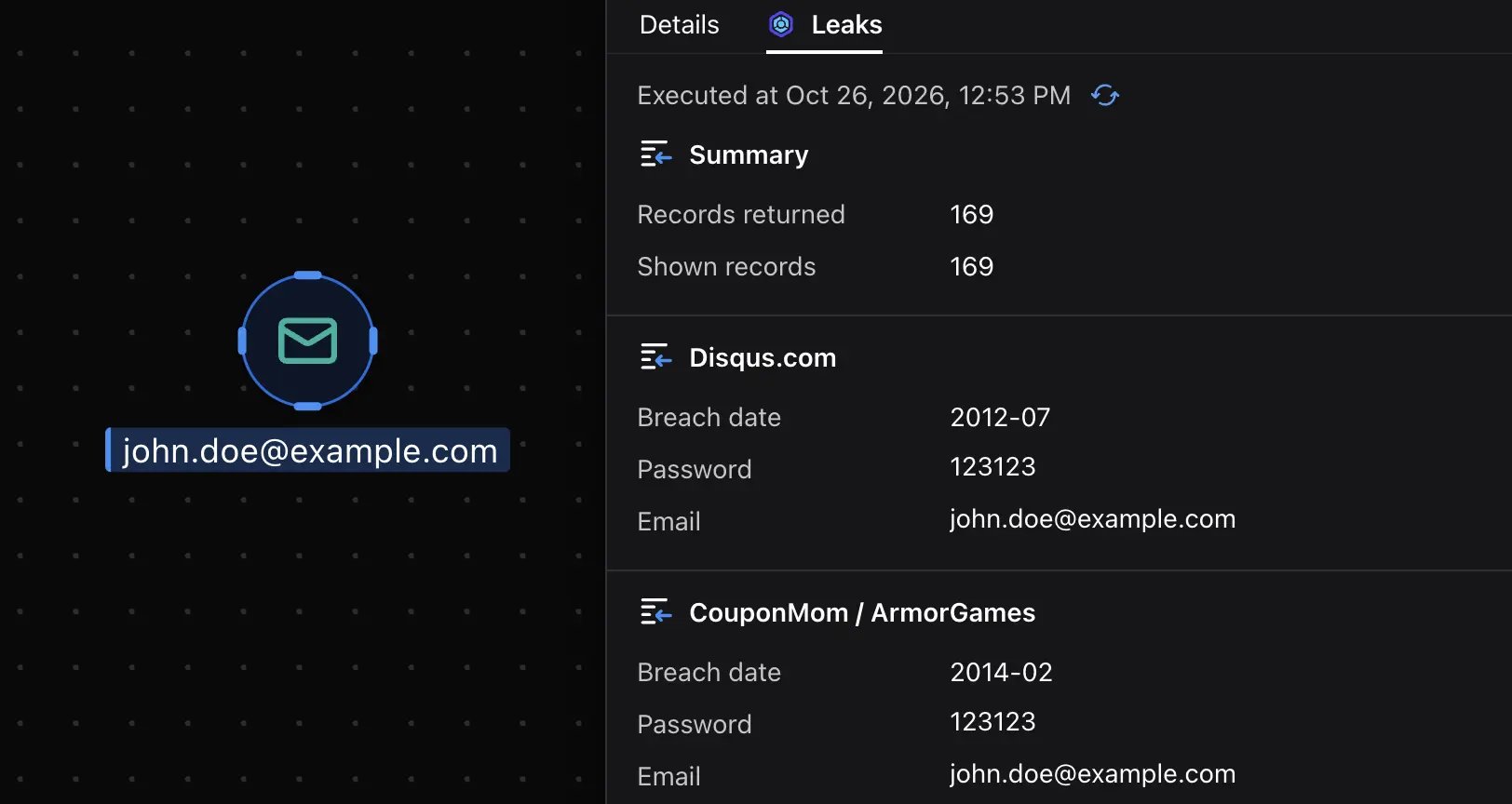
Malfors uses LeakCheck to search for leaks associated with email, username, domain, phone number, and password entities.
This helps you identify credential exposure, compare records tied to an identity, and investigate related account details while keeping the findings connected to the original entity.
Configure
- Create a LeakCheck account and choose a paid plan with Pro API access.
- Copy your personal API key from your LeakCheck account settings.
- In Malfors, open Enrichments → LeakCheck → Connect.
- Paste your API key into the field and save.
- Run the LeakCheck enrichment on an email entity to retrieve matching leak records.